Why I Use Apple Freeform Every Day: A Powerful Tool for Planning, Brainstorming, and Creativity
While I recently moved on from my role as CIO at First Baptist Atlanta, I wanted to take a moment to reflect back on something I’ve always loved doing: sharing tools and tips that people can use immediately to make their work and creativity easier.
One thing I always tried to do—whether in meetings, hallway conversations, or casual brainstorming sessions—was leave a colleague with a technology tip or a new tool they could start using that same day. Because at the end of the day, technology isn’t just about systems and screens—it’s about people. It's about humanizing technology—showing people what it can actually do for them—helping them work better, think more clearly, communicate more easily, and bring their ideas to life.
That mindset has shaped the way I approach technology leadership. And today, I want to talk about one of those tools that does exactly that: Apple Freeform.
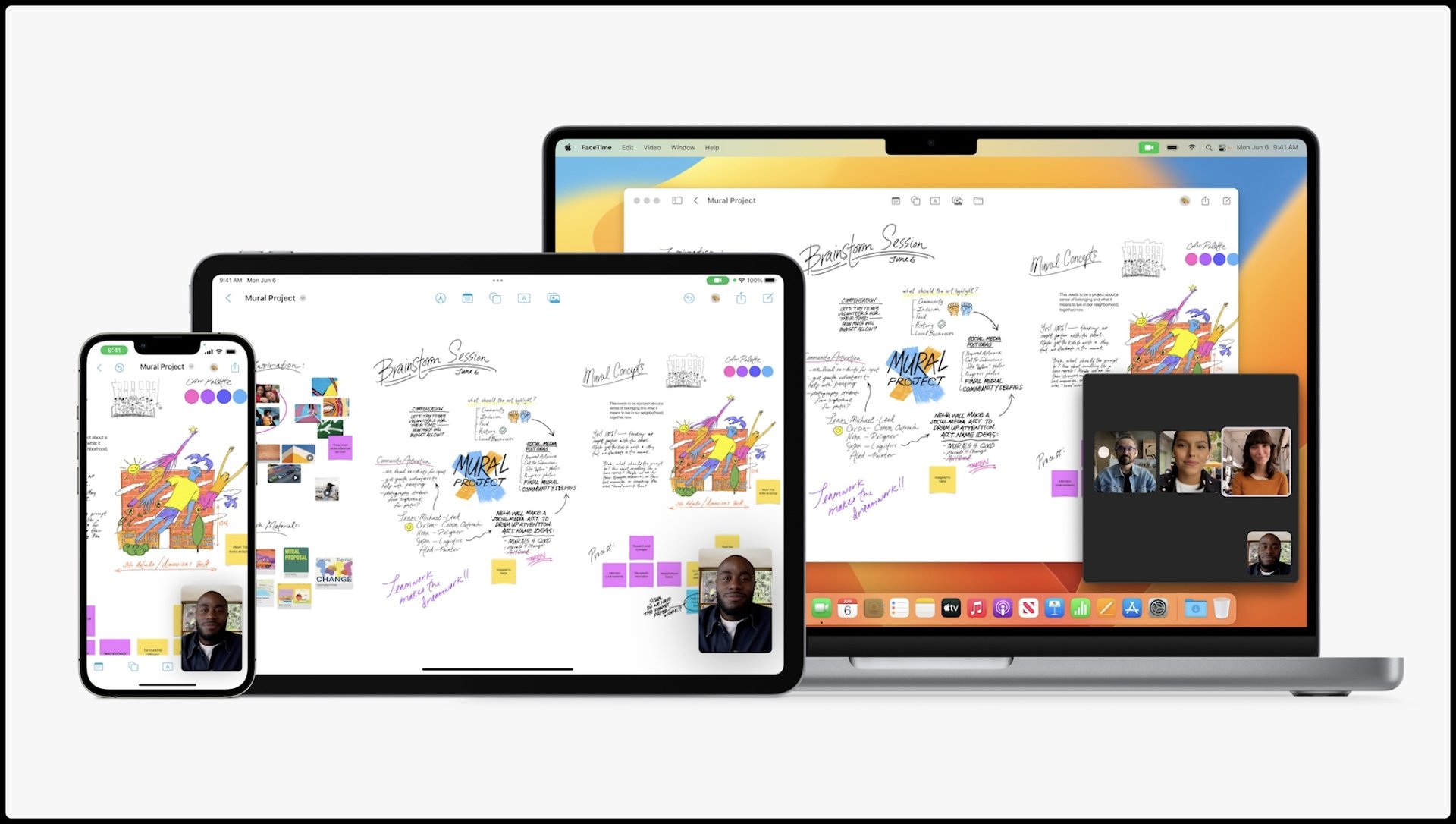
At first glance, Freeform looks basic: just a giant, endless whiteboard. But once you start using it, you realize it’s much more than that. It’s a living, flexible workspace that can adapt to the way you think and work—not the other way around.
It has become one of the few apps I truly rely on every day—for brainstorming, planning, collaboration, and problem-solving. Here’s how I use it—and why it’s so worth sharing:
A True Brainstorming Space (Especially With Teams)
One of the most powerful features of Freeform is how easy it makes brainstorming in real time. When I'm working with colleagues, we can all jump onto the same board, adding images, drawings, handwritten notes, and even links and files—all live. It doesn’t matter if someone prefers typing, sketching, or dragging in visuals: Freeform handles it all seamlessly.
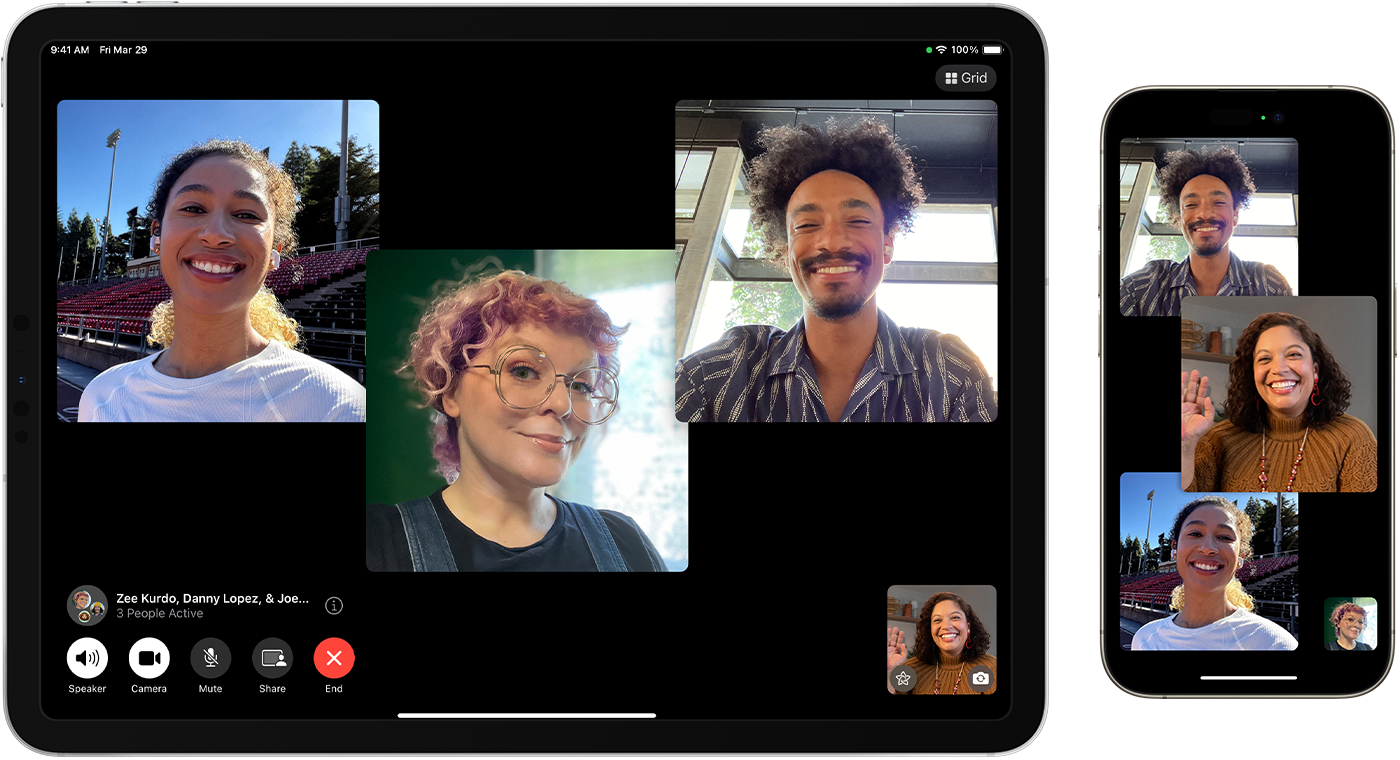
Yes! We often use FaceTime for meetings while sharing our Freeform board with the team. FaceTime is end-to-end encrypted and works across all our Apple devices. Even better, you can send meeting invites to users on Windows, Android, and Chromebooks too. Anyone can join a FaceTime meeting through a web browser, meaning that Freeform collaboration isn’t limited to just Apple users.
And here’s the best part: even if you don't prefer FaceTime or didn’t know it could work across platforms, you can still use Microsoft Teams, Zoom, Webex, Jitsi, or whatever meeting tool your team already uses. At the end of the day, you’re simply sharing your screen—and Freeform works beautifully alongside any communication platform you choose.
This flexibility made collaboration feel natural, not forced. Instead of bouncing ideas around in endless email chains or trying to fit creativity into rigid templates, we could visually map out ideas together—live and fully engaged.
Work Planning That Actually Makes Sense
Beyond creative sessions, I used Freeform every day for work planning.
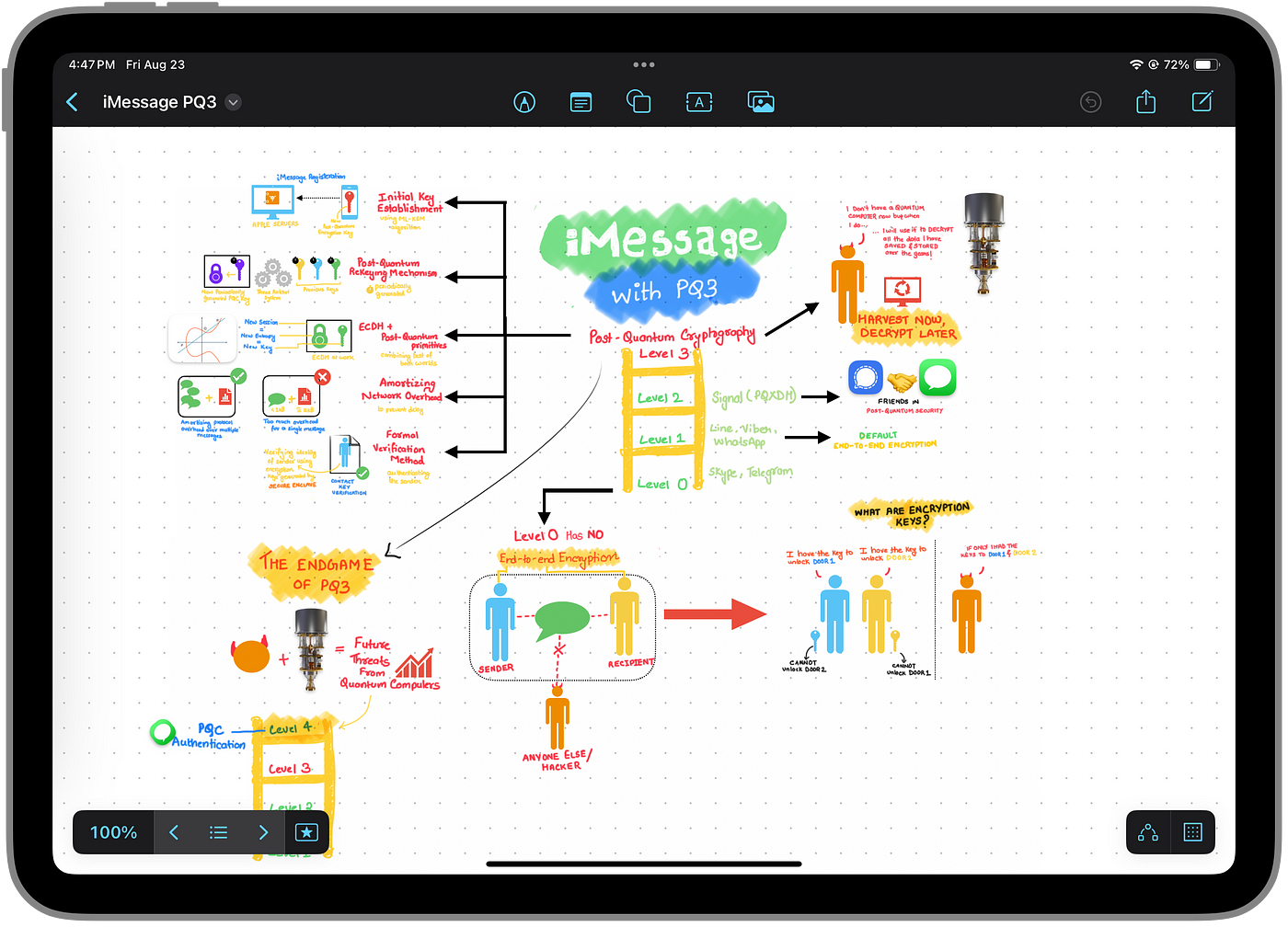
For example, I often created custom Kanban boards inside Freeform. I’d map out projects visually—using columns for To Do, In Progress, and Completed—and move tasks around with a simple drag-and-drop during meetings. It was intuitive and easy to adjust on the fly.
In fact, in our conference room, we kept Freeform open on the TV display using AirPlay. At any time, we could pull up current boards tracking:
- Business Continuity Planning
- Disaster Recovery Planning
- Hardware Deployments
- Project Launches
- Ongoing Departmental Initiatives
It turned planning into a living, visual process—not just a static document. When mapping out new initiatives or brainstorming a complex project, I could combine shapes, sticky notes, images, and hand-drawn connections to bring ideas to life.
Real-World Example: Transforming a Production Office
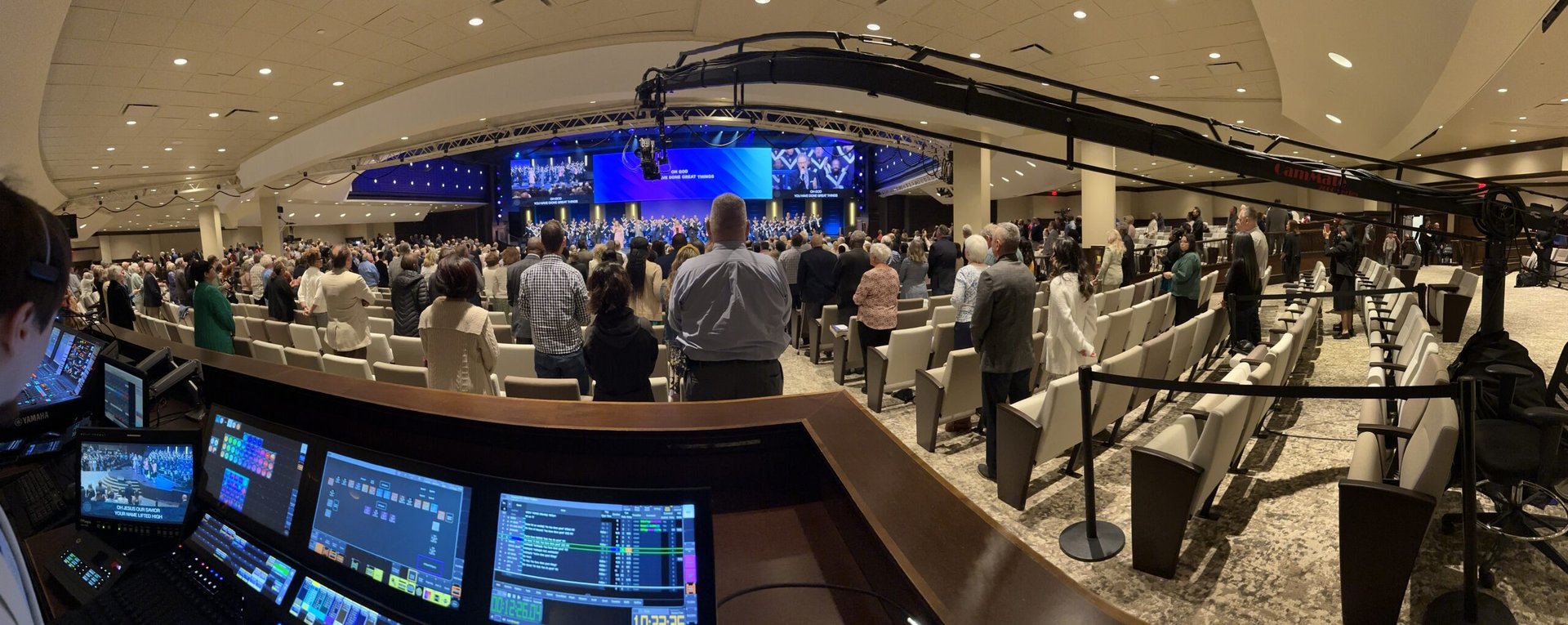
A few months ago, I introduced Freeform to Beth, the Production Director at First Baptist Atlanta. Beth oversees everything from Sunday service production to creative planning for major events, so she’s always juggling a fast-moving schedule with a lot of moving parts and visual components.
During a team session, I showed how Freeform could be used not just for note-taking, but for full visual planning—mapping out ideas, capturing live inspiration, collaborating in real time, and organizing everything intuitively on a single board. When Beth saw how you could handwrite directly onto the board, drag and drop images, embed videos, and sketch stage designs naturally, her eyes lit up.
Without missing a beat, she looked at me and said, "Can I get an iPad with a Pencil?"
She immediately saw the potential. Freeform isn’t just about moving sticky notes around—it's about thinking visually, brainstorming creatively, and working faster. The Apple Pencil would allow her to sketch production layouts, handwrite ideas during creative meetings, and annotate service plans quickly and naturally, just like she would on a real whiteboard.
Beth was in luck—we had a 12" iPad that had just been turned in. We got it set up, paired it with an Apple Pencil, and connected it to her 75" Apple TV-equipped monitor in her office.
Today, Beth uses Freeform every day for:
- Production planning — building service flow diagrams, mapping stage layouts, and sketching stage changes
- Illustrating ideas visually with the Senior Pastor and Worship teams
- Capturing inspiration — if she sees a lighting effect, stage setup, or creative moment during a service, she snaps a photo with her iPhone and drops it onto her Freeform board for later planning
- Embedding YouTube videos — quickly pulling up creative references during meetings without bouncing between apps
Freeform has transformed her planning process from static documents to live, evolving visual boards—keeping her team in sync, creative conversations flowing, and future services better organized.
The result? Her production meetings are now faster, more collaborative, and more creative—and her office quickly became the place where planning feels less like a chore and more like building something great together.
A Ripple Effect: Even the Senior Pastor Took Notice
One of my favorite moments came when even our Senior Pastor, a long-time Windows user, noticed what was happening. After seeing Beth’s Freeform boards during a meeting, he pulled me aside and asked, "How can I get this on my iPad?"
When a senior leader who is deeply comfortable in another ecosystem becomes curious about a new tool, you know you’re onto something powerful.
That’s the beauty of Freeform: it's not about platforms or complexity. It’s about making creativity and collaboration simple and accessible to everyone—no matter what device they’re most comfortable using.
Why Freeform Works Where Other Tools Fail
Here’s the truth: most productivity tools force you to fit their structure. Freeform, by contrast, adapts to your way of thinking.
Need to brainstorm? Sketch out rough ideas? Map out a project visually? Work alongside others remotely? Freeform handles it all—without overcomplicating it.
It’s also cross-device: I can start sketching something on my iPhone, expand it on my iPad, and polish it on my Mac without worrying about file formats, syncing issues, or clunky exports.
And the beauty is, whether you're a project manager, producer, creative lead, or just someone trying to plan better, you can use it your way.
Final Thoughts: Why Freeform Has a Permanent Place in My Workflow
Freeform has become a cornerstone of my daily routine because it doesn’t get in the way. It gives me the freedom to think, plan, collaborate, and create without worrying about whether I'm using the "right" tool for the job.
It’s not a task manager. It’s not a calendar. It’s not a database.
It’s a thinking canvas—and sometimes, that’s exactly what you need to spark your best ideas, make smarter plans, and collaborate with more clarity.
If you haven’t tried Apple Freeform yet—or if you just opened it once and didn’t know what to do with it—give it another look. You might be surprised how powerful an endless whiteboard can be when it's done right.
Because at the end of the day, technology should help people—and Freeform does exactly that.